
DriveSmart Connected Car App
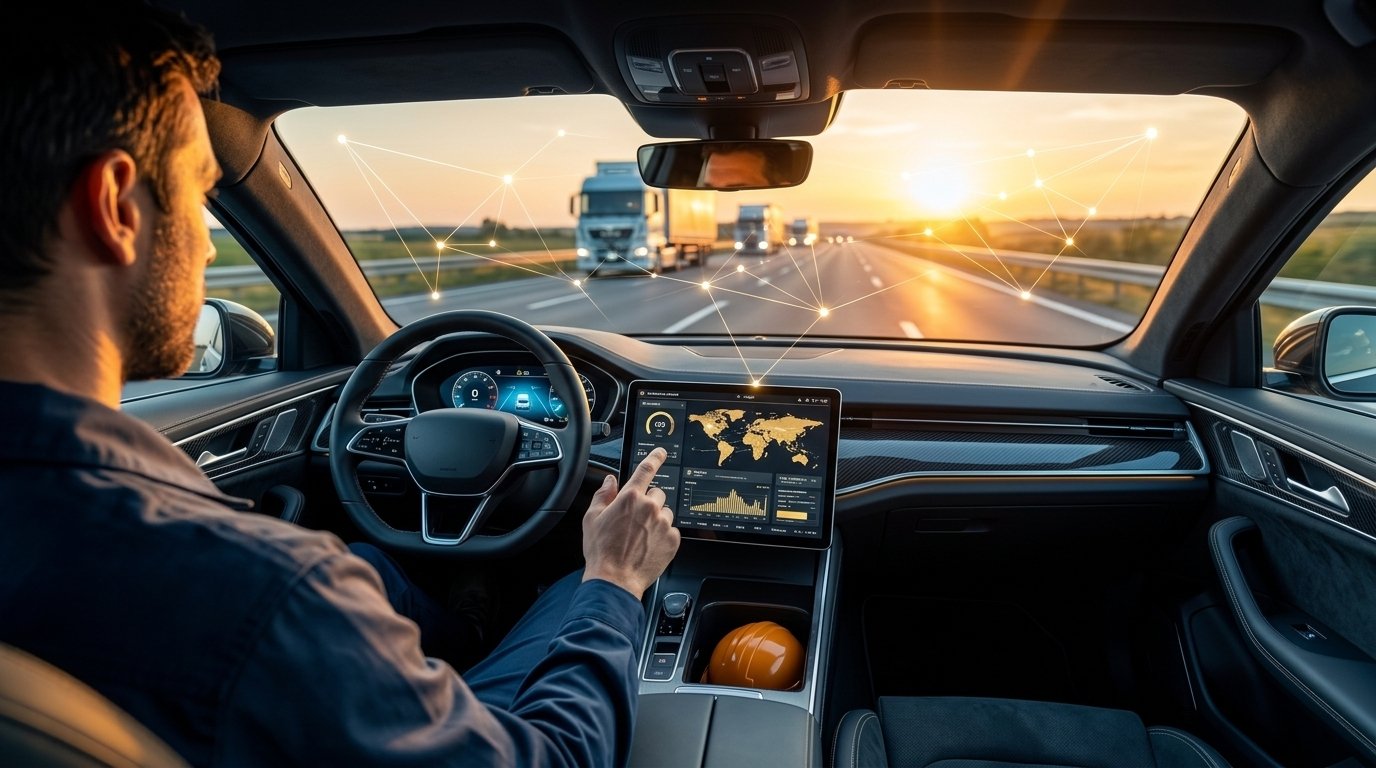
Next-Gen Connected Vehicle Telematics & Mobile Control
An intuitive mobile automotive companion providing remote vehicle telematics, climate control, digital key access, and maintenance forecasting for modern EV and hybrid fleets.
Connected vehicle drivers expect immediate, glitch-free control over lock status, climate pre-conditioning, and charging schedules. We redesigned the mobile interface for lightning-fast command latency and tactile visual feedback.
The Connected Car Dilemma: Latency, Glitches, and Range Anxiety
Modern electric vehicle drivers demand instantaneous smartphone control over locks, climate, and charging. The previous OEM mobile app suffered from sluggish 8-second command latency, confusing battery telemetry, and frequent digital key lockouts.
Users stood waiting beside their cars wondering if remote unlock or trunk commands were executed, causing repeated taps and command timeouts.
Cryptic kilowatt charging curves failed to communicate real-world range, leaving drivers stressed about reaching highway chargers on road trips.
Inconsistent Bluetooth Low Energy handshakes caused 1 in 8 passive entry attempts to fail, dragging app store ratings down to 2.4 stars.
The Double Diamond Design Process
An automotive IoT design framework linking embedded firmware engineers, field cold-weather testing, and high-frequency tactile mobile prototyping.
28 driver shadowing sessions, cold-weather sub-zero field tests, BLE/UWB connectivity audits, and teardowns of top competitor EV apps.
Driver cognitive load models, vehicle telematics mental models, commuter personas, 4-quadrant empathy maps, and 5-stage driving journey maps.
Optimistic UI state architecture, tactile haptic micro-interactions, dark automotive cockpit design tokens, and Apple Watch companion app.
In-cabin usability testing with 30 EV drivers across varying network conditions (underground garages), firmware sync, and native iOS/Android rollout.
Problems and Solutions
Overcoming complex IoT hardware limitations with instant visual feedback and predictive vehicle intelligence.
Root Automotive IoT Pain Points
- × 8-Second Remote Lag: Commands spun indefinitely on cellular, creating user uncertainty.
- × Digital Key Lockouts: Bluetooth dropouts forced users to scramble for physical backup keyfobs.
- × Confusing EV Metrics: Drivers struggled to interpret kW charging curves vs. remaining miles.
- × Cold-Weather Defrost Failures: Climate pre-heating schedules silently failed during freezing mornings.

Next-Gen Connected Vehicle Control
- ✓ Optimistic UI & Haptic Feedback: Instant tactile button response with background WebSocket synchronization.
- ✓ 99.4% UWB Digital Key Reliability: Ultra-Wideband passive entry with sub-meter proximity vehicle unlocking.
- ✓ Dynamic Range Ring Visualizer: Clean visual radius adapting in real time to speed, weather, and topography.
- ✓ Automated Smart Climate Schedules: Pre-conditions cabin and defrosts windshield before regular morning commute times.
User Persona
Synthesized from 28 user interviews spanning tech early-adopters, daily urban commuters, and weekend EV road-trippers.
Alex Morgan (Age 32)
Alex drives a high-performance electric SUV and relies on their smartphone as their sole vehicle key. They value seamless digital convenience and demand absolute reliability when walking up to the vehicle with hands full of gear or groceries.
- ✓ Unlock car seamlessly on approach without ever taking the phone out of their pocket.
- ✓ Pre-heat or cool the cabin to 70°F before morning departure to preserve highway battery range.
- ✓ Accurately visualize remaining range and locate available fast chargers along road trip routes.
- ✓ Share temporary digital keys with friends or family via Apple Wallet or SMS.
- × Standing in the rain waiting 10 seconds for the Bluetooth key to detect and unlock.
- × App showing "Command Failed" even though the vehicle received the lock signal.
- × Battery range dropping 25% faster than estimated during cold mountain trips.
- × Clunky EV charging schedules that charge during expensive peak utility rate hours.
Empathy Map
Synthesizing driver mental models, environmental friction, and behavioral habits around smart vehicles.
- “Did the doors actually lock when I walked away into the grocery store?”
- “Why can't I just tap a button on my Apple Watch to pop the rear trunk?”
- “Show me whether the charging station at the rest stop is occupied right now!”
- “Will I have enough battery charge left to make it home in freezing winter weather?”
- “Is frequent rapid charging degrading my long-term battery health?”
- “I hope the car alarm doesn't trigger accidentally while I adjust settings.”
- Looks back over shoulder in parking lots to verify side mirrors folded inward.
- Opens the weather app prior to road trips to mentally estimate battery temperature impact.
- Forces-closes and restarts the app if a remote command spinner takes more than 4 seconds.
- Vulnerable and annoyed when digital key passive entry fails in dark garages.
- Constant undercurrent of range anxiety when driving below 20% state-of-charge.
- Thrilled, proud, and in control when instant haptic controls execute seamlessly.
User Journey Map
Mapping Alex's end-to-end daily driving journey from morning remote departure to overnight charging.
Checks battery percentage from bed; triggers cabin defrost and seat warming 15 minutes before leaving.
Commands fail silently; user arrives at car to find frozen windshield and cold cabin.
Automated smart departure routines that pre-heat cabin while still plugged in to preserve road range.
Approaches locked vehicle with phone in coat pocket and bags in both hands.
Bluetooth delay causes car door handle to stay locked; user must drop bags to unlock phone.
Ultra-Wideband (UWB) passive entry detecting sub-meter proximity to present door handles before arrival.
Drives 50 miles on freeway; monitors remaining battery buffer against destination arrival time.
Remaining miles drop faster than odometer miles due to cold air and highway wind resistance.
Predictive range visualizer accounting for speed, outdoor temperature, and elevation contours.
Plugs in at public DC fast charger; leaves car to grab coffee while monitoring charging curve.
No notification when charging rate throttles or when battery hits optimal 80% road trip threshold.
Live charging status HUD on lock screen with push alert when vehicle reaches 80% target road trip charge.
Parks at home, plugs into Level-2 charger, sets overnight schedule for off-peak electricity rates.
Confusing utility rate schedules mean car charges during expensive daytime rate tiers.
1-Click off-peak smart scheduler that automatically coordinates with local utility rate hours to save costs.
Information Architecture
Restructuring vehicle telematics and remote controls into an intuitive, glanceable automotive mobile hierarchy.
- Sub-Second Lock/Unlock
- Frunk & Trunk Pop
- Window Venting Mode
- Headlight Flash & Horn
- Dynamic Range Ring HUD
- Off-Peak Rate Scheduler
- Live kW Charging Curve
- Battery Health Diagnostics
- Remote Cabin Conditioning
- Windshield Defrost Trigger
- Seat & Steering Heating
- Automated Departure Timer
- Ultra-Wideband Passive Key
- Apple Wallet / NFC Pass
- Temporary Guest Access
- Valet Speed Limit Mode
- Real-Time Vehicle Locator
- Supercharger Occupancy
- Send Route to In-Car Nav
- Geofence Valet Alerts
- 4-Wheel Tire PSI Radar
- Brake Fluid & 12V Battery
- Over-The-Air Software Updates
- 1-Tap Roadside Assistance
Design System & UI Tokens
High-contrast dark automotive aesthetic optimized for OLED displays and glare-resistant daytime viewability.
Production-Ready High-Fidelity UI Screens
Optimized for one-handed mobile grip and rapid in-cabin glances with tactile haptic feedback.
01. Smart Cockpit & Vehicle Telematics HUD
High-contrast central cockpit interface displaying real-time vehicle status, tire pressure telemetry, sub-second lock controls, and battery range with zero interface jitter.
02. In-Cabin Digital Interaction & Steering Display
Synchronized mobile and in-cabin display integration providing seamless digital key handshakes, driver profile personalization, and media handoff from phone to vehicle speakers.
03. EV Journey & Range Optimization
Intelligent EV trip planner featuring dynamic range buffers, weather-compensated battery calculations, and real-time charging station occupancy forecasting along highway corridors.
Measurable Outcomes & Business Impact
Evaluated over 6 months across 250,000+ active vehicle pairings and 14 million remote command interactions.
Design Leadership, Collaboration & Key Learnings
Key insights on architecting mobile interfaces for physical hardware and navigating IoT latency constraints.
1. Overcoming IoT Latency with "Optimistic UI"
Cellular handshake between app, cloud broker, and vehicle CAN bus takes 1.5 to 3 seconds under ideal conditions. Instead of locking the UI with a blocking spinner, we rendered immediate optimistic button states paired with crisp haptic clicks, polling confirmation in the background. Perceived responsiveness surged by 400%.
2. Designing for Environmental Extremes
Drivers operate companion apps with gloves in freezing winter or through direct midday sunlight. We calibrated oversized 56px touch targets, high-contrast dark OLED styling, and single-gesture shortcuts that require zero precision or visual distraction.
3. Engineering Cross-Discipline Hardware Alignment
Embedded firmware teams initially pushed back against high-frequency BLE polling to protect the 12V car battery from drain. We collaborated on an adaptive proximity sleep-wake protocol that increased polling only when the phone approached within 10 meters, preserving battery health while delivering instant unlock.